I download an stl file and it looks good on the platform but when it is sliced it has little bubbles of filament up the sides.
Hi,
Could you provide some screenshots and an .stl file of the model, please? However, I believe you are referring to seam - it is the starting point of each new layer, which appears as a slightly visible mark on the surface of models. It can be either normal (the same point on each layer) or random (different point on each layer).
Best regards,
Karolina
Karolina,
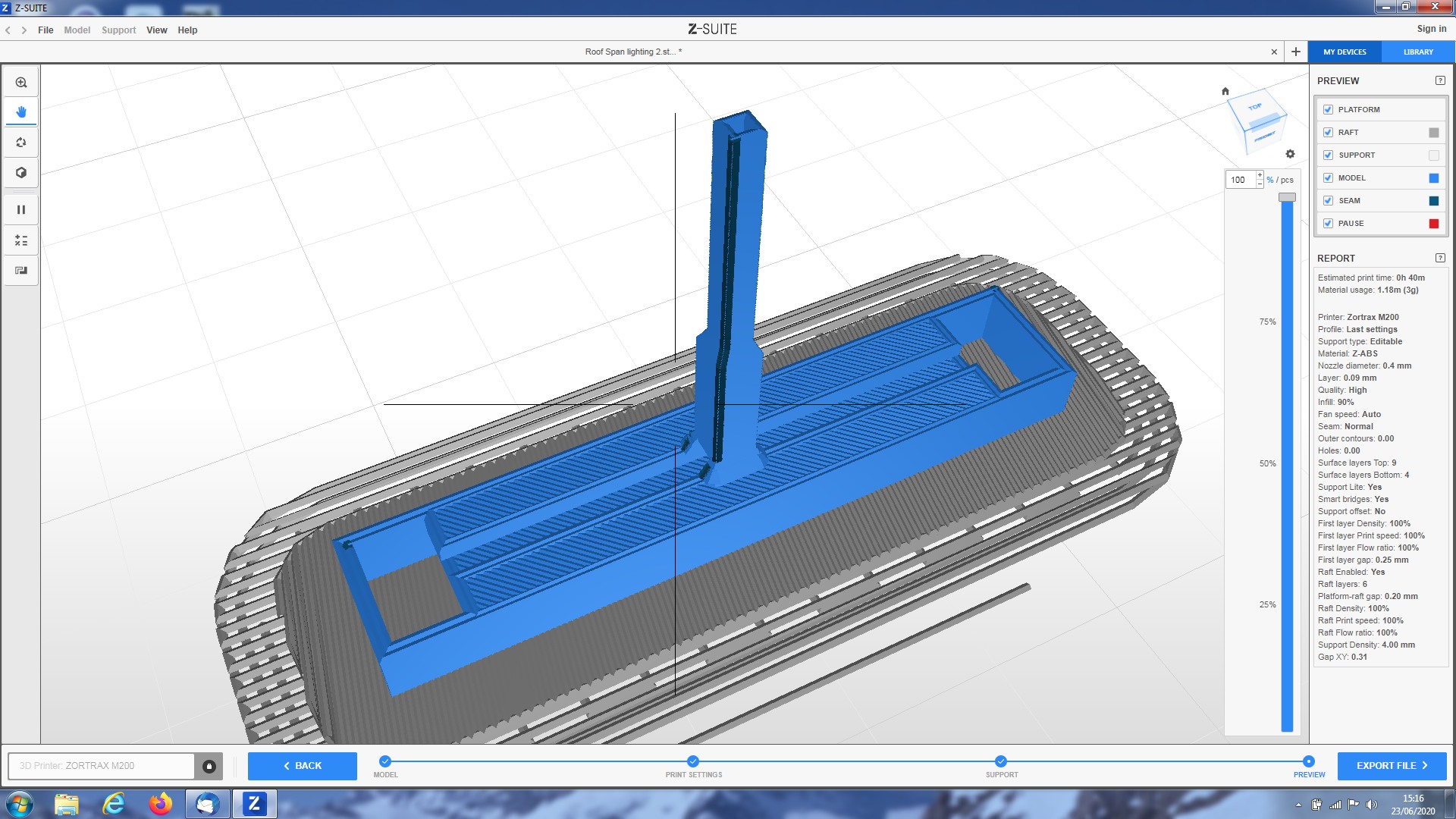
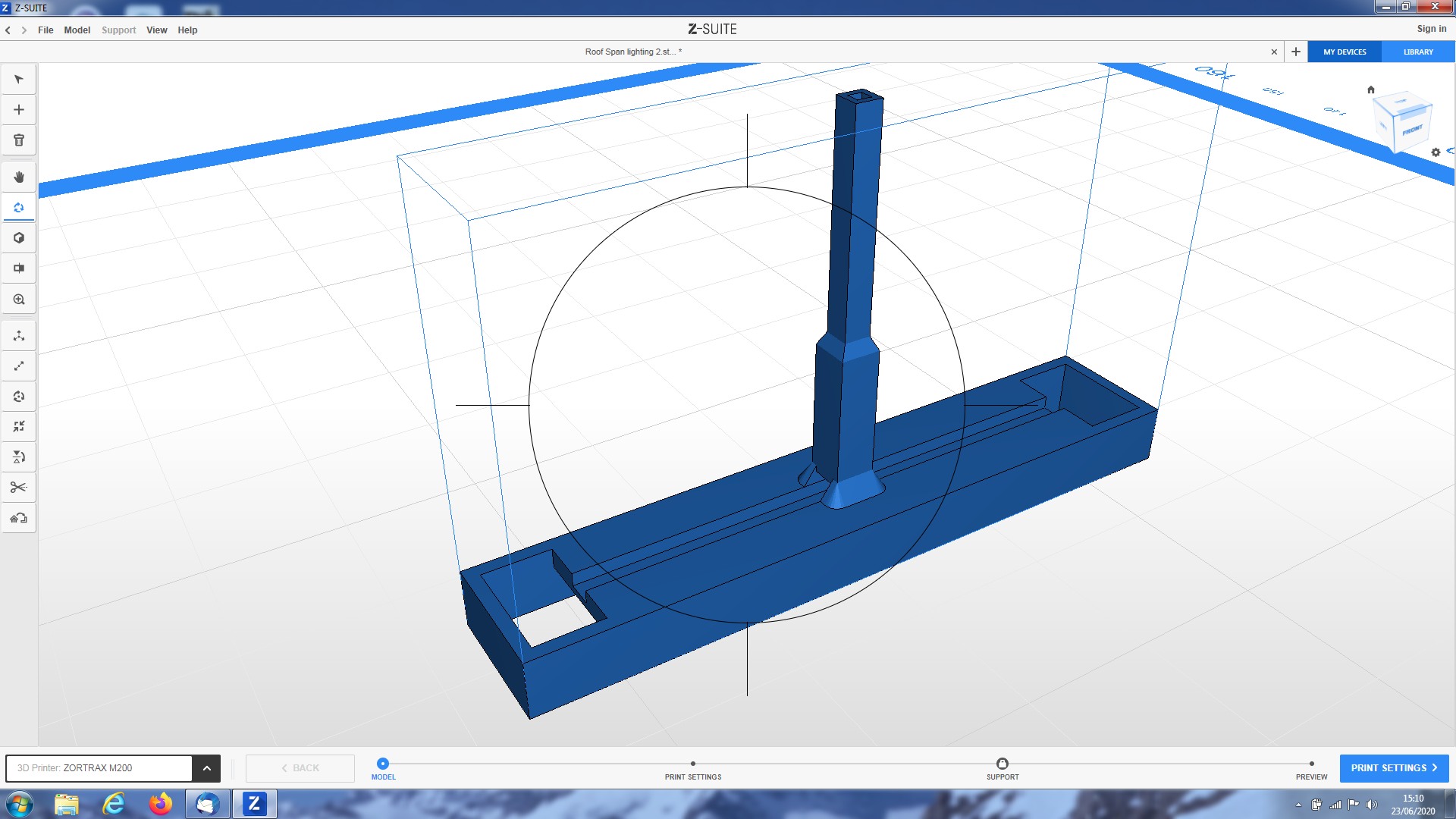
Thank you I attach screenshots of two downloads to the Z Suite and 2 screensh
ots of after slicing.
You will notice the holes in the central roof which were there when printed.
I attach two photos of the 3D print for the lighting model. You can see the stem neither has the hole down the middle nor is it square
I have also attached the stl file for the lighting model.
Hope this will enable you to say where I have gone wrong.
Your system has just told me that I can only send three items.
.Roof Span lighting 2.stl (75.9 KB)

Hi,
Thank you for the files. Actually, the models looks fine even after slicing. Could you pass some pictures of the printed model? What holes seem to be a problem there?
As for the second model - you can send me files via PM.
Best regards,
Karolina