Every update is really great - loving it. Here are some more ideas.
Z-Suite enhancement:
It would be nice to have keyboard shortcuts for navigating the 3D space. Something like Alt+click and drag to rotate. Alt+Ctrl+click and drag to pan. Alt+Shift+click and drag to zoom. I'm on Mac, but this could make navigating 3D space just a bit more efficient.
Firmware and Z-Suite enhancement:
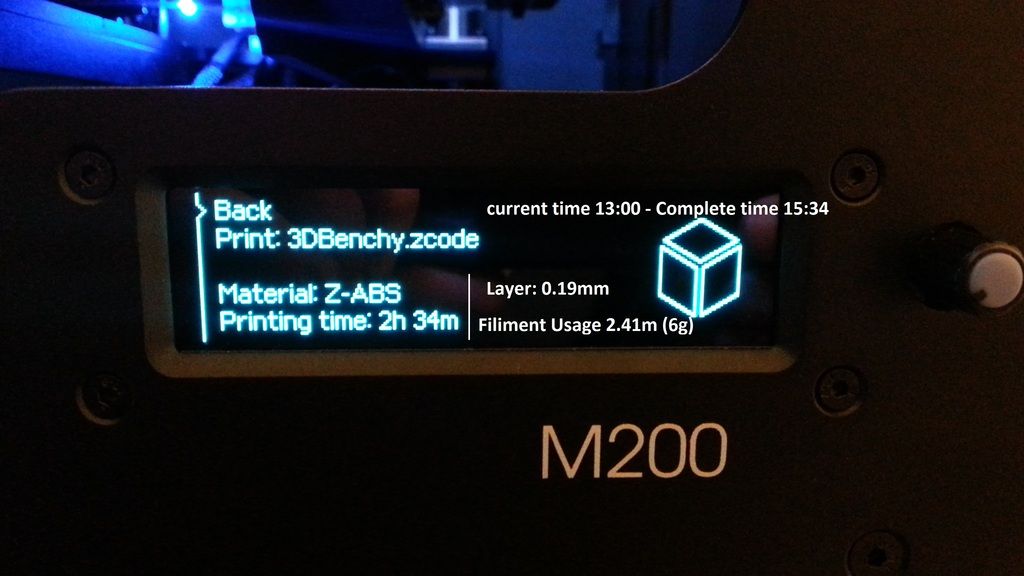
As mentioned earlier, it would be nice to see a time to finish on the M200. This could be achieved by saving the time for the print from Z-Suite in the .zcode file. The printer (firmware) then uses this estimation to show an "Approximate time to finish using the percentage as a divisor". So the printer shows something like:
82% (approx. 7 mins to complete). It doesn't have to be exact science - just an estimation.
---
Z-Suite Costing enhancement:
Finally, this is really not necessary, just something I thought of would enhance the quick costing/calculator feature. It could be quite helpful as a quick costing tool to be able to configure the "Cost per Hour" in addition to the "Cost per gram/spool". Once saved, the software remembers your costs and automatically estimates a cost. When the toolpath is generated and the time and filament usage are shown at the bottom, additionally it shows the "Estimated cost of the print". This will be a quick way to cost your prints more accurately (not just material) without doing external calculations.
It would be handy to have the ability to raise parts in the Z direction. If you build multiples of parts the larger flat surfaces get printed at the same time, if they can be staggered it would help to keep part temperatures up and have less warping and other related issues.
Hi, I am not sure if somebody has already suggested it (I am sorry but ai didn't read 5 pages of thread, but only the 3 first ones).
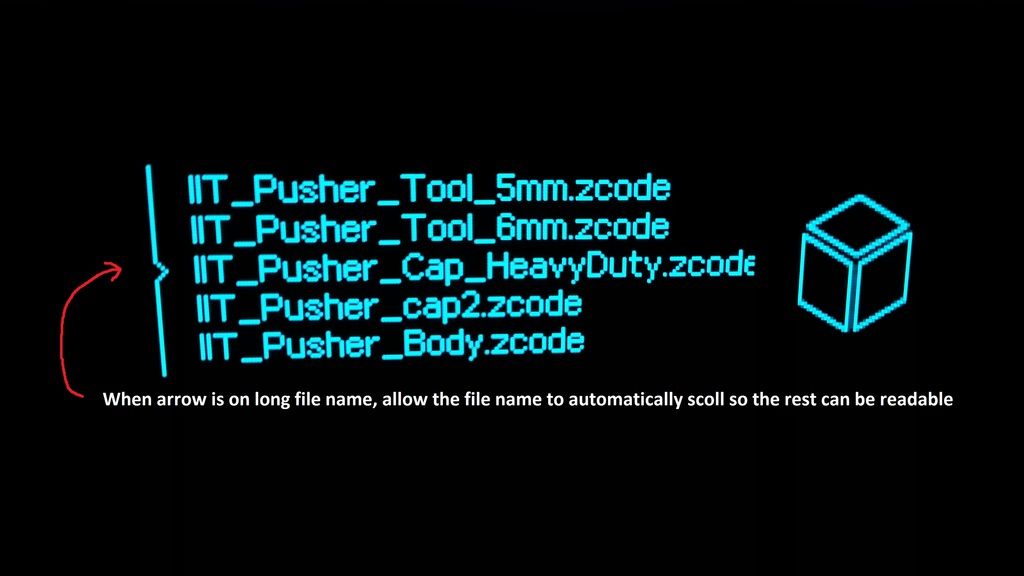
I think that should be very useful if the long filenames could be displayed completely (some kind of horizontal scroll). Sometimes I have the same part with different print settings, and these settings are identified by means of any word or letter at the end of the filename and, sometimes, it is not visible.
Hi, I am not sure if somebody has already suggested it (I am sorry but ai didn't read 5 pages of thread, but only the 3 first ones).
I think that should be very useful if the long filenames could be displayed completely (some kind of horizontal scroll). Sometimes I have the same part with different print settings, and these settings are identified by means of any word or letter at the end of the filename and, sometimes, it is not visible.
I miss the simplicity when it ran just right. Now with the last update it seems I have to exit out Zsuite and restart it if I want to do different configurations like the program acted in the beginning.
Before this last update, I was able to load model after model and generate zcodes but now it will freeze up between 1-3% and hang. Sometimes it will great if you give it a few minutes but thats crazy cause when restarting, it generates right away.
As I said before all the "additions", simplicity works. I still don't understand why the heck we need a calculator in the program. Ugh!
But ohwell, hopefully next update will be back to the way it works right.....hopefully.
But by all means, keep asking for all the bells and whistles
Great job on Z-Firmware 1.00.... I absolutely love it. My one feature request (from a production stand-point where I print a lot of the same item....one after the other) would be the ability to print another of the last job without having to go back to the models screen and scroll down through my large volume of products. I'm literally wearing out my scroll knob to select the same job I just printed.
I don't know if this has been mention before, it probably has, but things that I can do on my makerbot rep2 that I would love to be able to do and my M200 would be:
I don't know if this has been mention before, it probably has, but things that I can do on my makerbot rep2 that I would love to be able to do and my M200 would be:
Cancel print
Cancel Material load and Unload
Pause/Resume print
Change filament during print
You can do all of this. Just press and hold the front panel button. Under firmware 1.0 the printer will beep and then you can let go; the print will pause a few seconds later. Under older firmware you just hold until it pauses. After the printer pauses you will get a menu allowing you to do all of the things you mention.
You can do all of this. Just press and hold the front panel button. Under firmware 1.0 the printer will beep and then you can let go; the print will pause a few seconds later. Under older firmware you just hold until it pauses. After the printer pauses you will get a menu allowing you to do all of the things you mention.
I agree with most of what you are saying there Andy, only one problem with the whole keeping time thing. The printer has no way of keeping track of what time it is being that when you shut the machine off you are turning off the power supply so that would lead me to think that the board is completely dead . Not just that but the printer cannot update its time because the printer never connects to a computer or the internet. Now I may be wrong and there might be a way to make it happen, and if so I am all for it but I just don't see it.
The long name issue is one I have dealt with before by coming up with a short code in each name, something that looks like this: A19N15Part. A means Z-ABS, 19 is .19 layer height, N is the normal speed, 15 is time so in this case 15 hours, and part is just the name of the object. This tells me some information on the part in question, mainly material type and time. Or what I do now is just save the sliced file to the desktop and copy it over to the SD card (this also prevents SD card time out errors down the line) and when I go to print an object I can load up the part and see the settings needed.
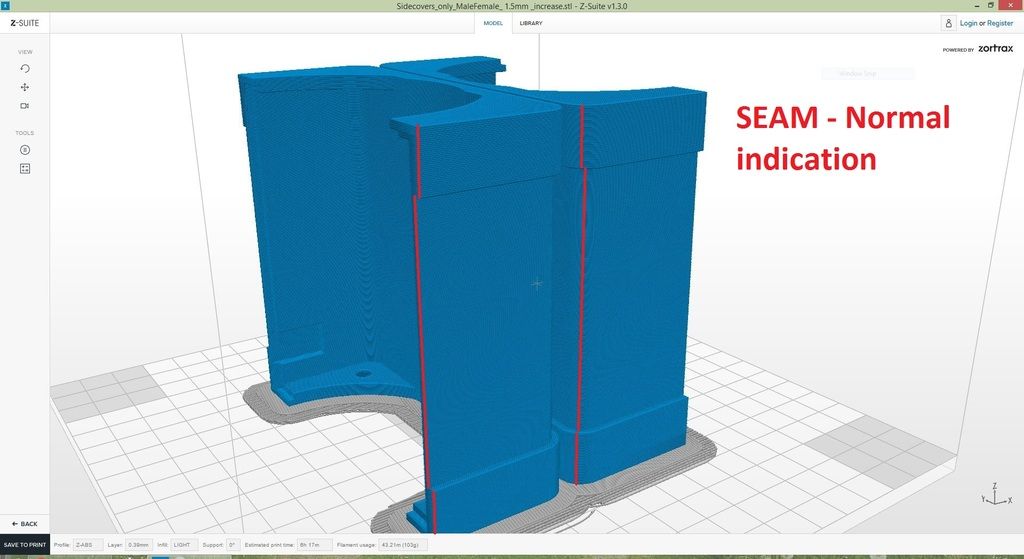
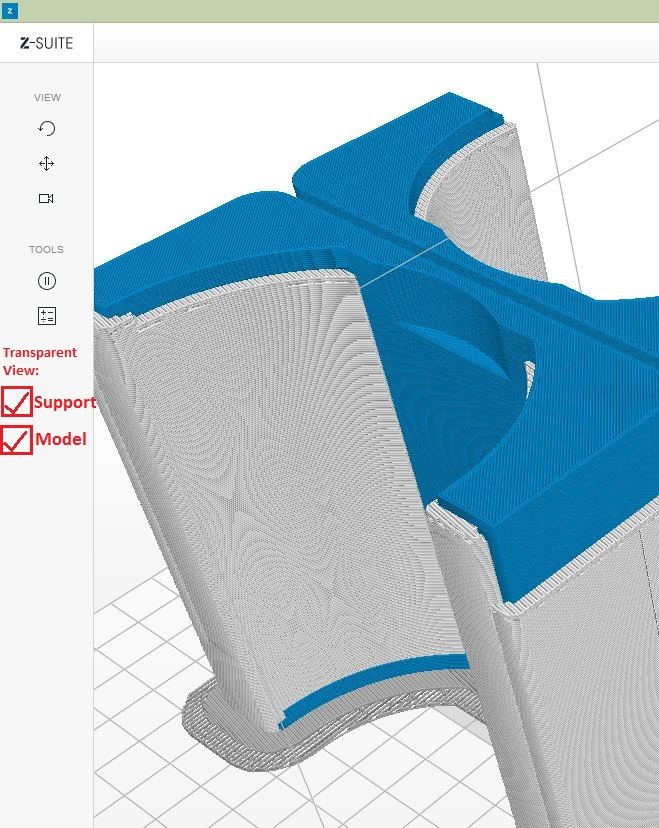
I'm not sure if it was mentioned before but I would prefer a wire frame of the object before slicing so I could see if there is anything inside the part that looks questionable. I agree with the other points you have though.